
Every Linux distro ships with a file manager already installed. Most people open it to grab a download or unzip a file, then never think about it again. That’s fine until you hit something it can’t do: no split view for moving files between folders, no bulk rename, no way […]
Software
28 posts
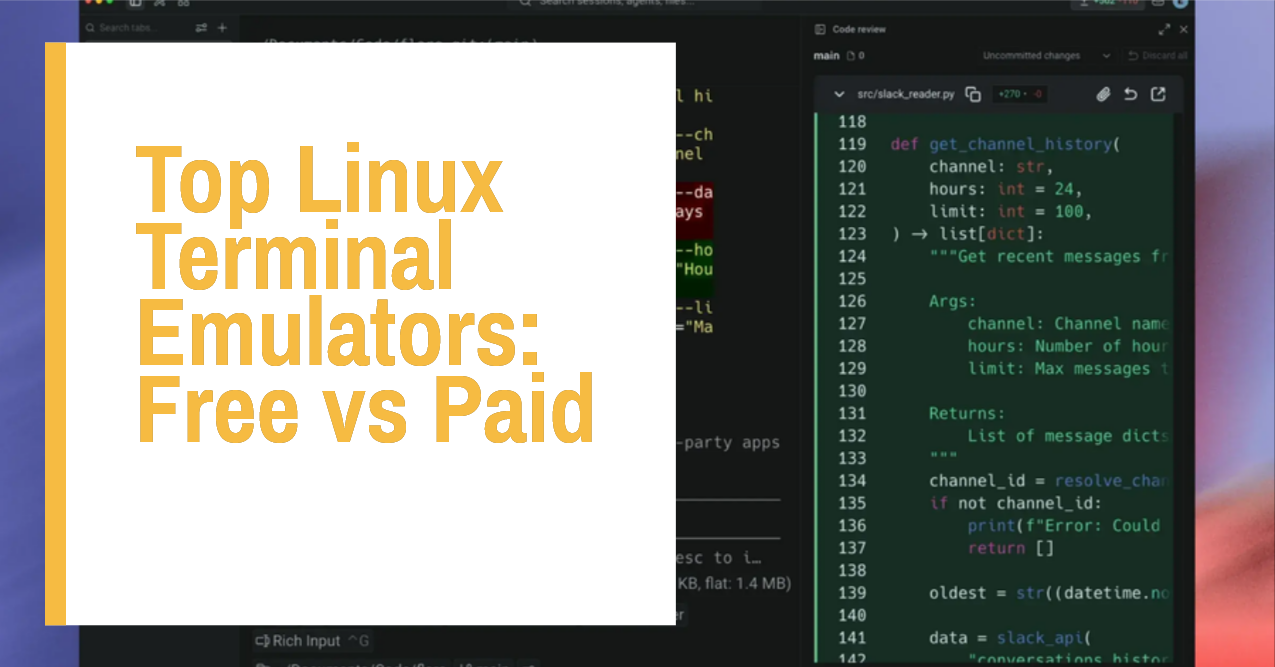
Every Linux distro ships with a terminal already installed. Most people never think about it again. That’s a mistake if you spend any real time on the command line, because the terminal emulator you pick affects how fast your system feels, how much you can customize, and whether features like […]

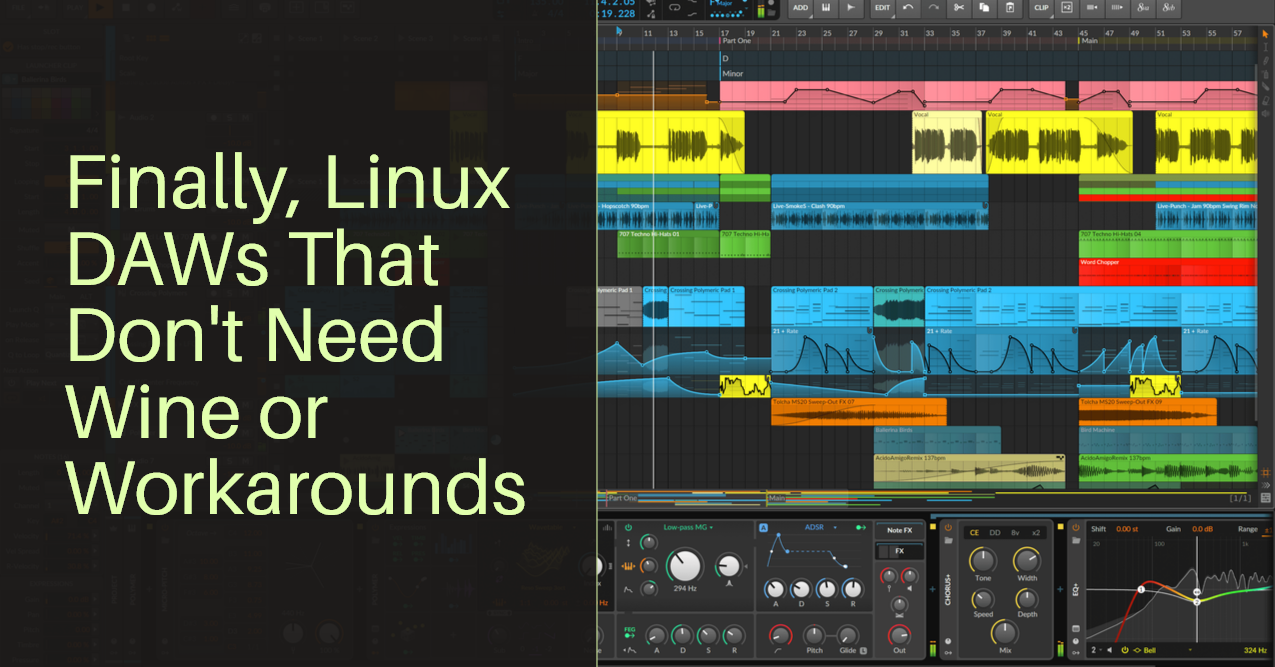
Linux used to be the platform music producers avoided. Anyone who tried making beats on it in the 2010s remembers broken JACK setups, plugins that refused to load, and DAWs that felt like unfinished side projects next to what Windows and Mac users had.

Open a terminal on any Linux distribution and type ssh. It works. Every major distro ships with a full SSH client already installed, which raises a fair question: why does the internet keep publishing “best SSH client” lists at all? Because typing raw ssh commands gets old once you’re managing […]

Your drive will fail eventually. Maybe not this year, but it will happen, and when it does, the only thing standing between you and losing everything is whatever backup system you set up beforehand. Most people find this out the hard way, usually right after a botched update or a […]

Most “best password manager” roundups are written for Windows and Mac, with Linux tacked on as an afterthought, usually a browser extension that technically works but skips everything that makes a password manager actually useful. This list is different. Every tool here has real Linux support: a native app, a […]

Your desktop environment is doing a lot of jobs you probably don’t need it to do. GNOME and KDE Plasma bundle a window manager together with a file manager, a settings app, a notification system, and a dozen background services, most of which run whether you ever touch them or […]

Every Linux distro ships with a default desktop environment, but that default is rarely the best fit for the person actually using the computer. Some people want a taskbar and start menu that feels like Windows. Some want as little visual noise as possible. Some are running a ten year […]
In this post, I’m going to show you how to use OneDrive on a Linux distro. Both GUI (Graphical User Interface) and CLI (Command Line Interface) options.


In this post, I’m going to show you how to use Google Drive on a Linux distro. The best options to use Google Drive via the graphical user interface (GUI) or command-line interface (CLI). Google Drive is one of the most popular cloud storage services.