ARM chips run more of your life than you probably realize. Your phone has one. So does your smartwatch, probably your router, and now a growing share of laptops and servers too. But here’s the catch that trips a lot of people up: not every Linux distro treats ARM the way it treats x86. Pick the wrong one for your board or laptop and you’ll spend a weekend fighting broken drivers instead of actually using your computer.
This guide covers the best ARM Linux distros you can install right now, what each one is genuinely good at, and where each one falls short. We’ll also cover what ARM actually is, why people are choosing it, the real trade-offs against x86, and which ARM machines are worth your money in 2026.
Quick Comparison of the Best ARM Linux Distros
| Distro | Based On | Package Manager | Release Model | Best For | Skill Level |
|---|---|---|---|---|---|
| Raspberry Pi OS | Debian 13 | apt | Fixed | Raspberry Pi owners who want zero friction | Beginner |
| Ubuntu | Debian | apt / snap | Fixed (LTS + interim) | Biggest software library, best all-around support | Beginner |
| Debian | Independent | apt | Fixed (~2 years) | Rock-solid servers and minimal installs | Intermediate |
| Fedora | Independent | dnf | Fixed (6 months) | Current software and Apple Silicon Macs | Intermediate |
| Manjaro ARM | Arch Linux ARM | pacman | Rolling | Latest packages with an easier Arch experience | Intermediate |
| Armbian | Debian / Ubuntu | apt | Fixed, frequent updates | Boards Raspberry Pi OS doesn't cover | Intermediate |
| Alpine Linux | Independent | apk | Fixed (~6 months) | Containers and minimal, locked-down servers | Advanced |
| DietPi | Debian | apt | Fixed (follows Debian) | Fast, guided home server setup | Beginner |
| postmarketOS | Alpine Linux | apk | Fixed (~6 months) | Reviving old phones with real Linux | Intermediate |
| Arch Linux ARM | Independent (Arch) | pacman | Rolling | Full manual control, build-it-yourself setups | Advanced |
| openSUSE | Independent (SUSE) | zypper | Rolling (Tumbleweed) or Fixed (Leap) | YaST-based config if you already know openSUSE | Intermediate |
What Is ARM, in Plain English
ARM stands for Advanced RISC Machine. It started out as Acorn RISC Machine, named after Acorn Computers, the British company that built the first ARM chip back in 1985. The “RISC” part is the piece that actually matters: Reduced Instruction Set Computing.
Here’s the short version of why that’s a big deal. Intel and AMD chips (x86) run on a large, complex set of instructions, and each one can do a lot in a single step. That flexibility comes at a cost in power draw and chip complexity. ARM chips use a smaller, simpler instruction set instead. Each instruction does less on its own, but the chip can execute them faster and with far less energy. That’s the entire reason an ARM chip can sit inside a phone without a fan and still get through a full day.
One more thing sets ARM apart from Intel or AMD: the company behind it, Arm Holdings, doesn’t actually manufacture chips. It designs the architecture and licenses it to other companies, including Apple, Qualcomm, Samsung, MediaTek, Broadcom, and Amazon, who each build their own chips around it. That’s why “ARM” isn’t really one chip. It’s a whole family of chips from different manufacturers, all speaking the same basic instruction language but with very different performance, features, and driver support.
You’ll also run into the terms armhf (32-bit ARM) and arm64 or aarch64 (64-bit ARM) constantly while picking a distro. Almost everything worth running today targets 64-bit. Several major distros, including Debian 13 and Fedora, have already dropped support for the older 32-bit variants, so it’s worth double checking before you install on an aging board.
Why People Use ARM Computers
Power efficiency is the reason ARM exists in the first place, and it’s still the biggest draw. An ARM chip can do meaningful work while burning a fraction of the electricity an equivalent x86 chip needs. That translates into longer battery life on laptops, lower electricity bills on always-on servers, and boards that run cool enough to skip a fan entirely.
That efficiency opened the door to use cases x86 never handled particularly well: tiny always-on computers, battery-powered devices, and dense server racks where every watt counts against the electric bill. Once ARM chips got fast enough to handle real desktop and server work too, which really only happened over the last five or six years, people started reaching for ARM in a lot more places than embedded gadgets.
How People Actually Use ARM Linux
- Home labs and hobby projects. Raspberry Pi and similar boards run Pi-hole for network-wide ad blocking, Home Assistant for smart home control, Kodi as a media center, or RetroPie for retro game emulation.
- Home servers and NAS boxes. Low power draw means an ARM board can sit in a closet running 24/7 as a file server or backup target without adding much to your power bill.
- Cloud computing. AWS, Google Cloud, and Microsoft Azure all now offer ARM based server instances (AWS calls theirs Graviton) that cost less to run than comparable x86 instances for a lot of workloads. AWS’s newest Graviton5 chips ship with 192 cores each, and by mid-2026 the large majority of AWS’s biggest customers were running at least part of their infrastructure on Graviton instead of x86.
- Laptops and desktops. Apple moved its entire Mac lineup to ARM based Apple Silicon back in 2020, and Qualcomm’s Snapdragon X chips brought competitive ARM performance to Windows laptops starting in 2024.
- Edge AI and robotics. Boards like the NVIDIA Jetson series pair ARM CPU cores with a dedicated AI accelerator for computer vision and robotics projects.
- Phones and mobile Linux. Projects like postmarketOS put a real Linux distro on phone hardware instead of Android, and give old phones a second life.
The Pros and Cons of ARM
ARM isn’t automatically better than x86. It’s a different set of trade-offs, and which side wins depends entirely on what you’re trying to do.
Pros
- Power efficiency. This is ARM’s whole reason for existing, and it still shows. Less power draw means less heat, less noise, and smaller batteries that last longer.
- Passive cooling is realistic. Plenty of ARM boards and even a few ARM laptops run completely fanless, which means silent operation and one less part that can fail.
- Small, cheap hardware exists. You can get into ARM Linux for the price of a board the size of a credit card, something x86 has never really matched.
- Performance has caught up in a lot of areas. Apple Silicon and AWS Graviton chips now match or beat comparable x86 chips on plenty of real workloads, not just on efficiency benchmarks.
- Great for embedded and always-on use. If something needs to run around the clock in a closet or on a shelf, ARM’s low power draw makes a lot of sense.
Cons
- Hardware is fragmented. Every board can have a different SoC, a different GPU, and its own boot process. There’s no ARM equivalent to the UEFI standard that lets nearly any x86 distro boot on nearly any x86 PC.
- Driver support varies wildly. Some boards get excellent mainline Linux kernel support. Others rely on an old vendor kernel fork that rarely gets updated, especially for GPU drivers.
- Not every app has an ARM build. Most open source software does at this point, but plenty of proprietary tools, older games, and niche software still only ship for x86.
- x86 emulation carries a real performance cost. Tools like Box64 and FEX-Emu let you run x86 Linux binaries on ARM, but you’re translating instructions on the fly, and that’s never free.
- Laptop software support is still maturing. Linux on Snapdragon X laptops in particular is rough right now. More on that in the hardware section below.
- SBC pricing can swing hard. Boards like Raspberry Pi publish clear official pricing, so when component costs move, you see it directly. 2026 has been a good (or bad) example of that, more on it further down too.
The Best ARM Linux Distros in 2026
Every distro below has an actively maintained arm64 build, real documentation, and support for hardware people actually buy today, not just one or two enthusiast boards from a decade ago. We left out anything with a technically-still-alive ARM port that hasn’t seen a meaningful update in years.
Here they are, roughly ordered from easiest and most broadly useful to more specialized picks.
1. Raspberry Pi OS
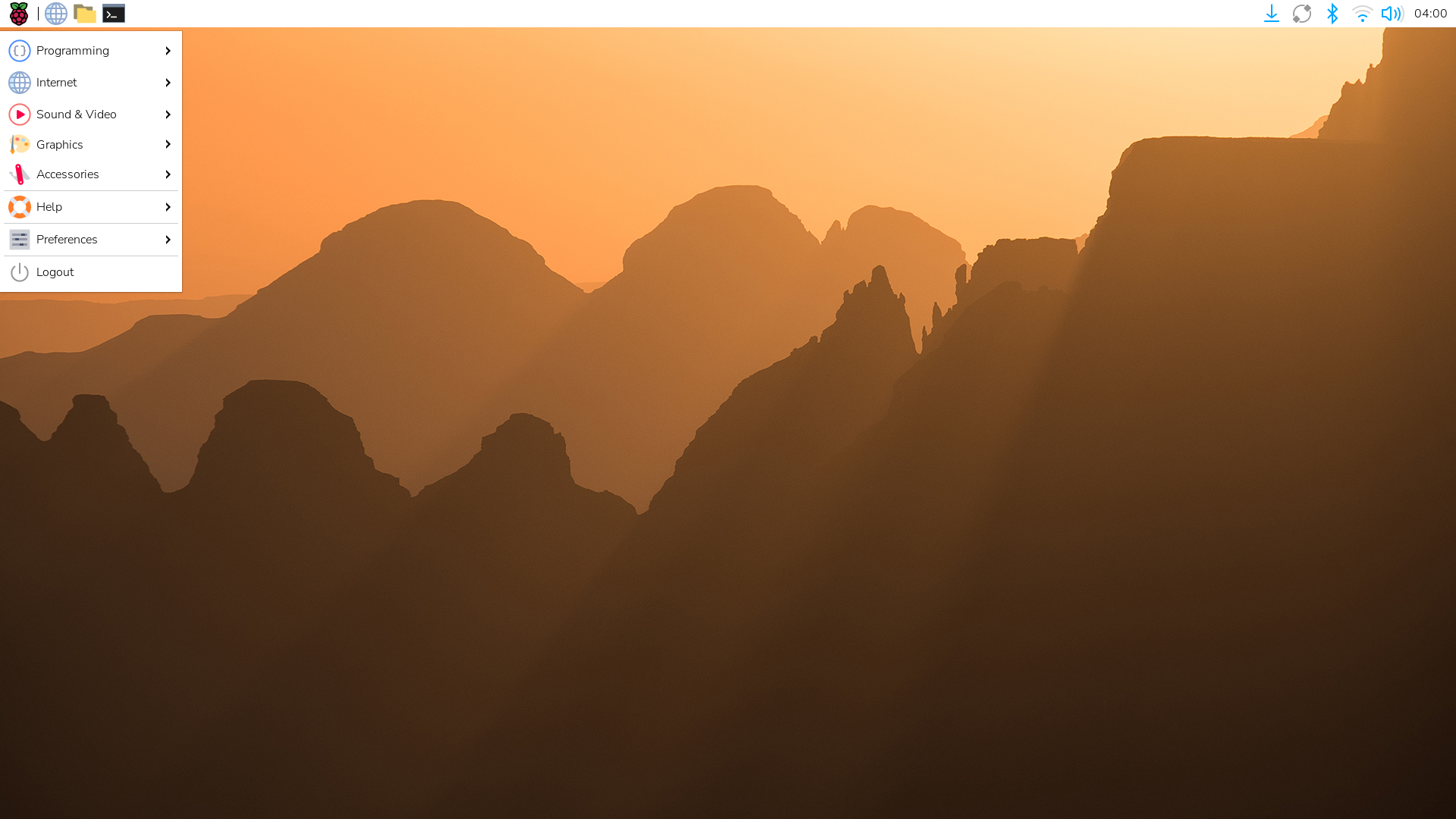
Raspberry Pi OS is the official operating system from Raspberry Pi Ltd, built specifically for Raspberry Pi boards and based on Debian (it moved to a Debian 13 “Trixie” base in late 2025). If you own a Raspberry Pi and aren’t sure where to start, start here. It’s tuned specifically for Pi hardware, which means better out-of-the-box support for the GPU, camera modules, and GPIO pins than any general purpose distro is going to give you.
- Comes in Desktop, Lite (headless), and Full editions
- Ships with Raspberry Pi Imager, a genuinely easy flashing tool with built-in Wi-Fi and SSH setup
- 64-bit only since the Bookworm release, so double check your board and SD card support that
- Massive community, which means almost every tutorial you find online assumes you’re running this
Pros: the best hardware support you’ll find for Pi boards specifically, a huge community, official first party backing, light enough to run on a Pi Zero.
Cons: tied to Raspberry Pi hardware (don’t expect it to run well on other SBCs), and a few accessories like the AI HAT+ took a while to catch up to the new Trixie base.
2. Ubuntu
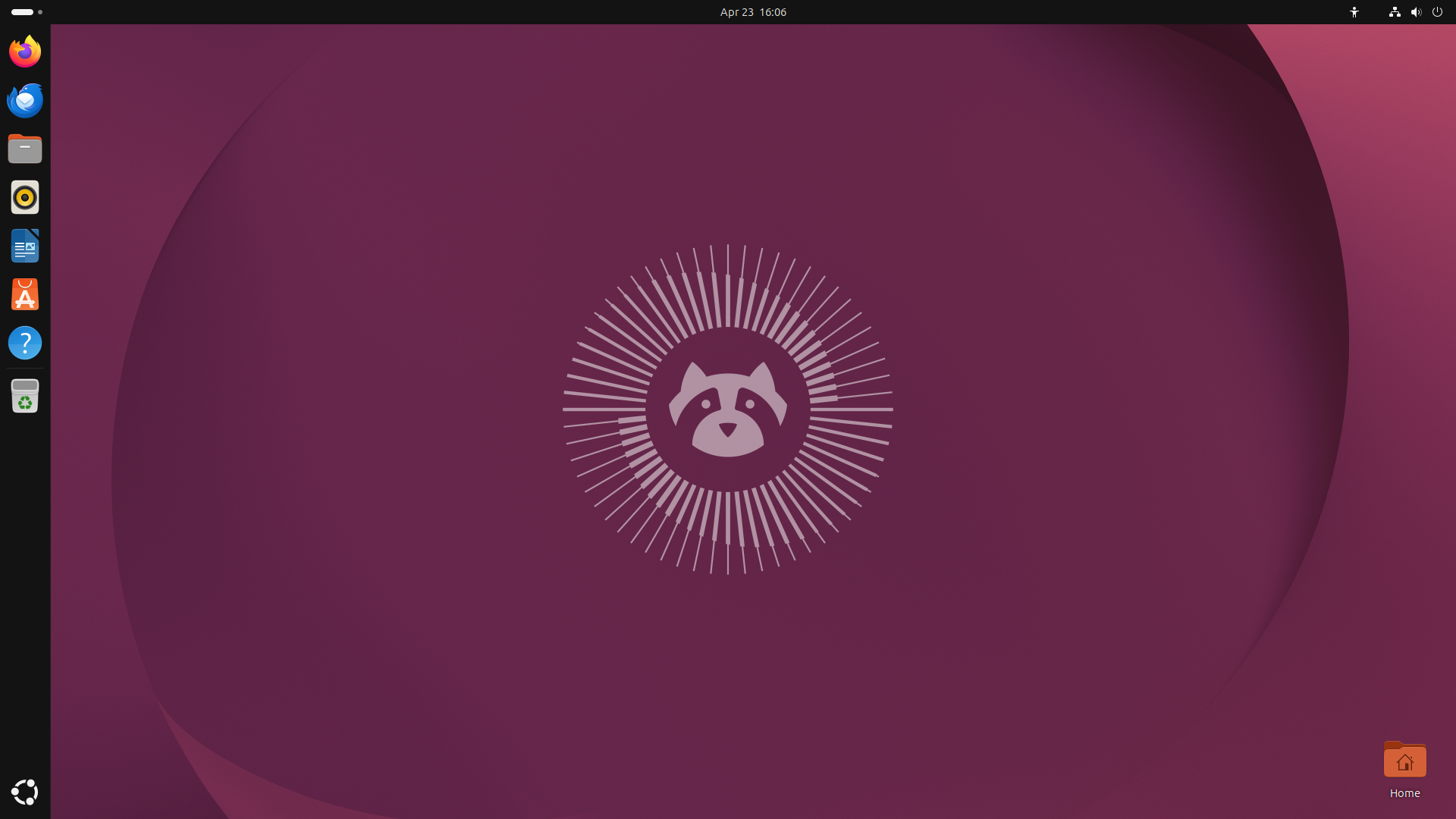
Ubuntu publishes full, official arm64 builds for both Desktop and Server, and it’s one of the few distros that genuinely treats ARM as a first class target instead of an afterthought. Canonical ships Raspberry Pi images directly, supports a range of other SBCs, and Ubuntu Server on Graviton is one of the most common combinations you’ll find running in AWS today.
- Current LTS is Ubuntu 26.04 “Resolute Raccoon,” supported through April 2031
- Same GNOME desktop and app ecosystem you’d get on x86, no watered-down ARM specific version
- Strong first party support if you’re running Ubuntu Server on cloud ARM instances
- The Snap store gives you access to a lot of software with prebuilt arm64 packages, which saves you from compiling things from source
Pros: polished, well documented, huge software availability, and properly first class ARM support rather than a community bolt-on.
Cons: heavier than some purpose-built alternatives, and Snap’s resource overhead can be noticeable on lower-end boards.
3. Debian
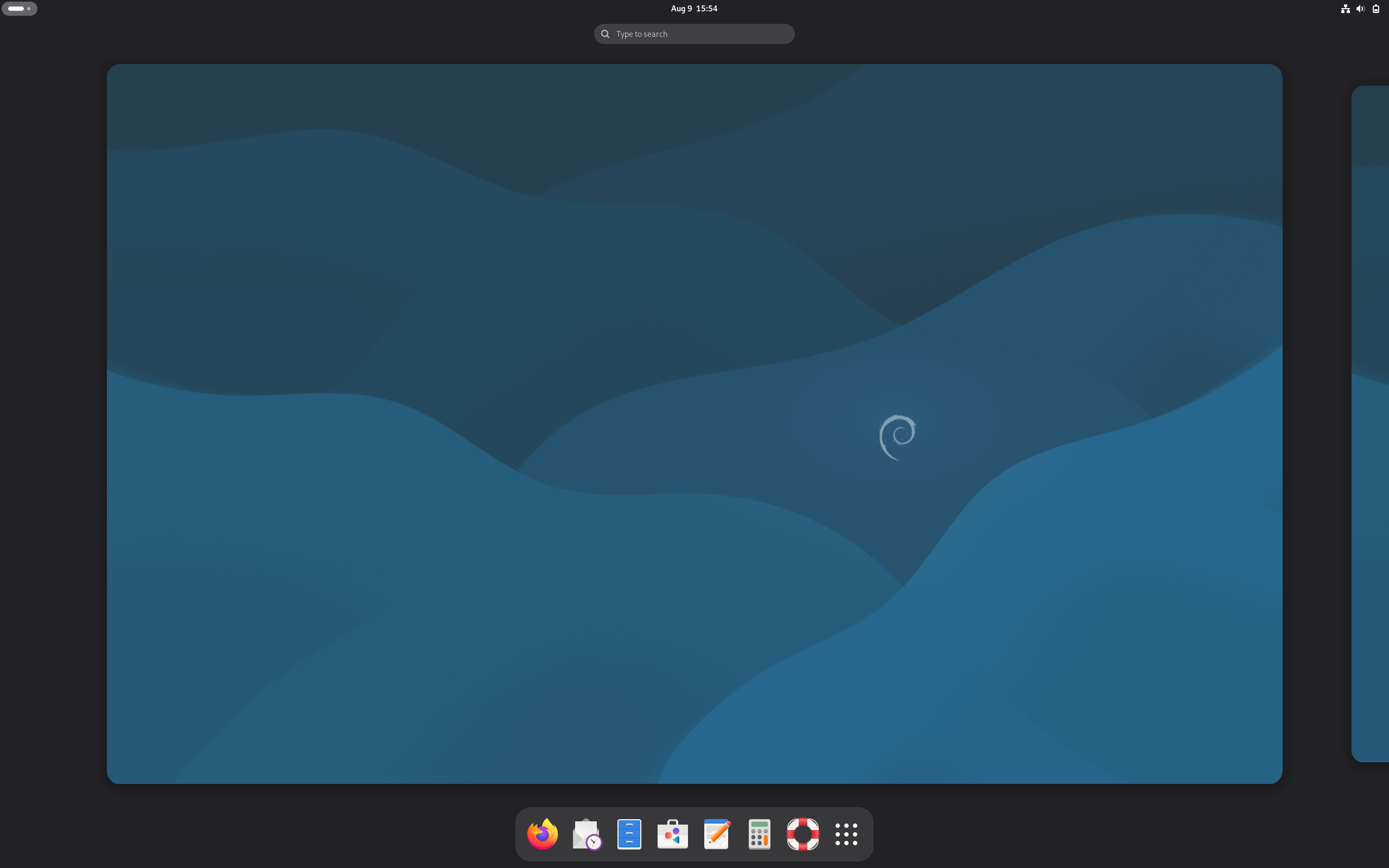
Debian is what a lot of the other distros on this list are quietly built on, and running it directly gives you the most stable, most minimal starting point available. Debian’s ARM support goes back years and covers both armhf and arm64, backed by an enormous package repository.
- Current stable release is Debian 13 “Trixie,” running the 6.12 LTS kernel
- No forced desktop environment. You choose exactly what gets installed
- Roughly five years of support per stable release
- Trixie was also the first Debian release to officially support riscv64, if you’re curious about the architecture sitting next to ARM
Pros: rock solid stability, minimal bloat, an enormous repository of ARM packages, and a great fit for servers and low power boards alike.
Cons: the installer and defaults are more bare-bones than Ubuntu’s, and package versions lag behind faster-moving distros on purpose.
4. Fedora
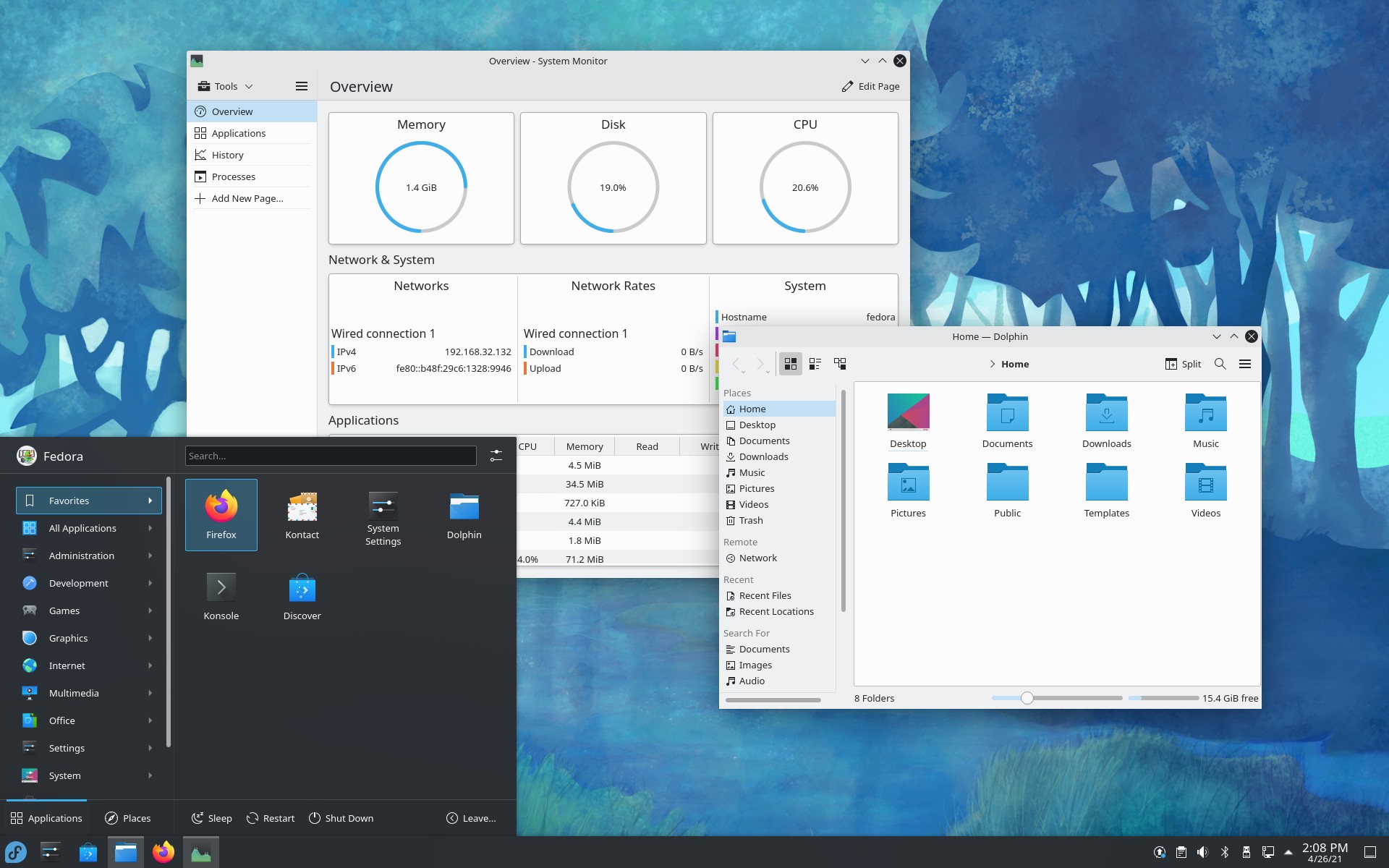
Fedora ships official Workstation, Server, and IoT images for aarch64 right alongside its x86_64 builds, and it moves faster than Debian or Ubuntu, which makes it a good pick if you want current kernels and current software on ARM hardware. Fedora is also the base for Fedora Asahi Remix, the most complete way to run Linux on Apple Silicon Macs, built in partnership with the Asahi Linux project.
- Six-month release cycle, so you’re never far from the latest kernel and driver improvements
- Fedora IoT is a solid, minimal option built for embedded and headless ARM devices
- Fedora Asahi Remix brings a full GNOME or KDE Plasma desktop to Apple Silicon Macs
- Recent releases added automatic device tree selection for arm64 EFI systems, handy if you’re experimenting with Linux on Windows-on-ARM hardware
Pros: current software, strong Red Hat backed development, and excellent Apple Silicon support through Fedora Asahi Remix.
Cons: a shorter support window per release than Ubuntu LTS or Debian, so plan on upgrading more often.
5. Manjaro ARM
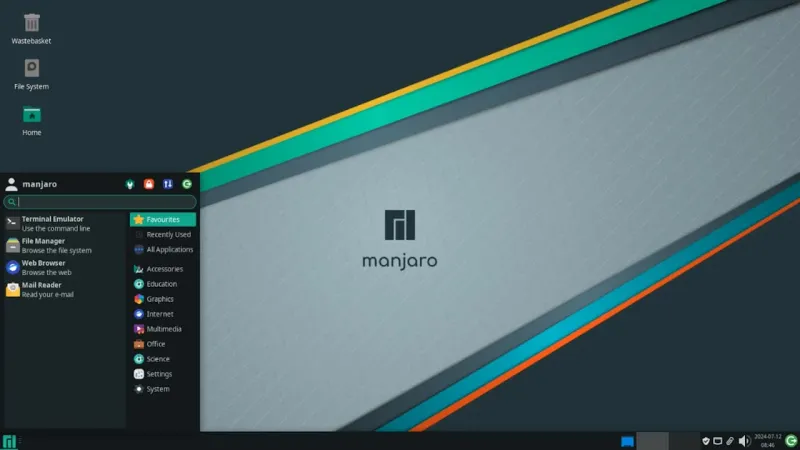
Manjaro ARM takes Arch Linux ARM and wraps it in a friendlier installer, curated defaults, and a choice of desktop environments (XFCE, KDE Plasma, GNOME, and more). You get Arch’s rolling release model and its huge software availability through the Arch User Repository, without having to hand-configure everything yourself.
- Rolling release, so you’re always on current packages once it’s installed
- Officially supports Raspberry Pi 4, 400, 3B+, 3B, and Zero 2, plus Pine64 boards, Odroid, Radxa, and several others
- Raspberry Pi 5 support isn’t official yet, though community reports say it mostly works
- Full access to the Arch User Repository (AUR) for software that isn’t in the main repos
Pros: current software at all times, huge package availability through the AUR, and broad SBC support beyond just Raspberry Pi.
Cons: rolling release means updates can occasionally break something, and Pi 5 owners specifically should expect a few rough edges until official support lands.
6. Armbian
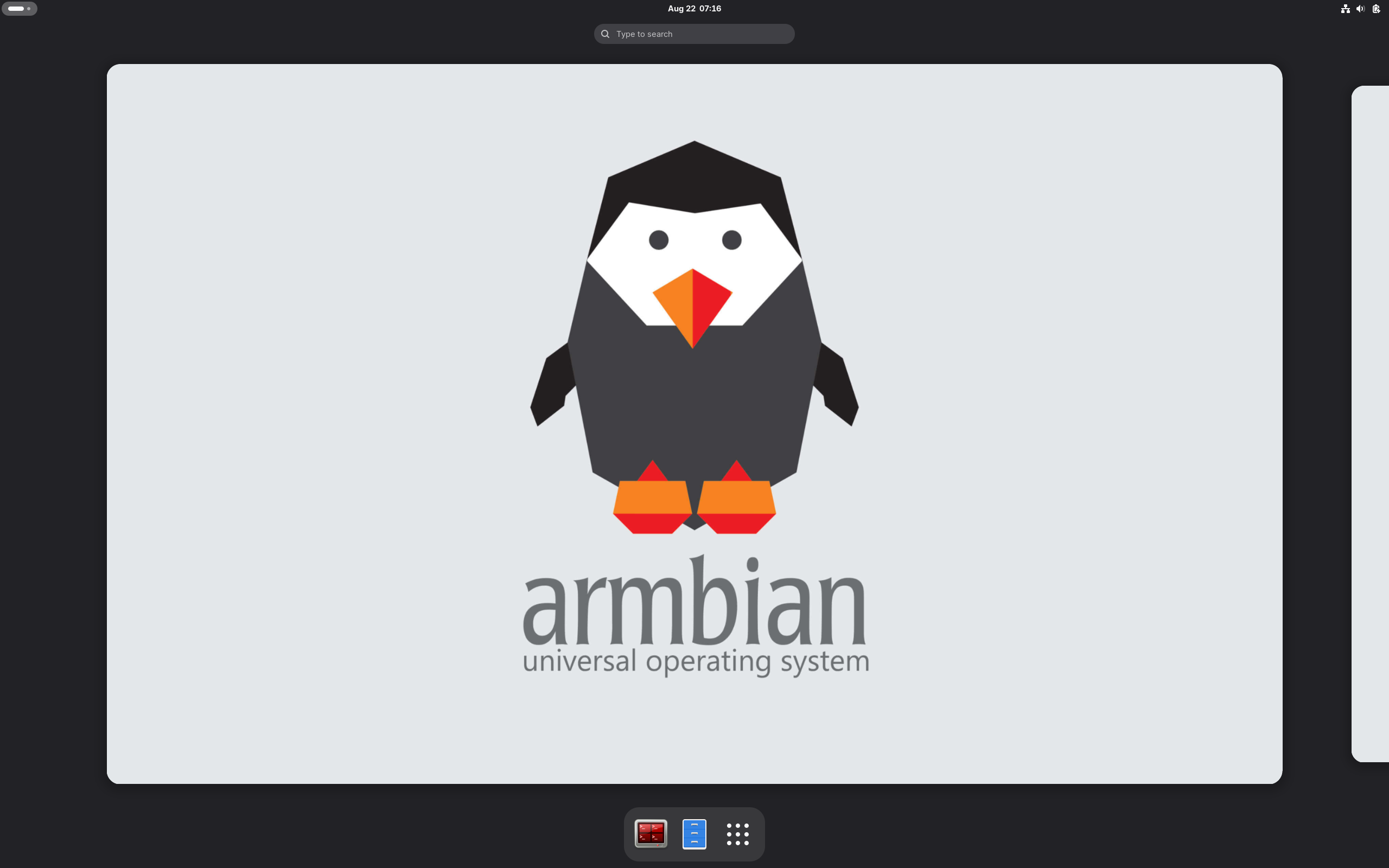
If your board isn’t a Raspberry Pi, Armbian is probably the first place to look. It’s a Debian and Ubuntu based project built specifically for the huge world of ARM single board computers that Raspberry Pi doesn’t cover: Orange Pi, Odroid, Banana Pi, and a long list of Rockchip and Allwinner based boards among others.
- Supports more than 300 boards from over 60 different vendors
- Ships board-specific kernel builds and patches rather than one generic image for everything
- The Armbian Imager tool makes flashing and initial setup straightforward, including Wi-Fi and user setup before first boot
- Choice of Debian or Ubuntu userland depending on the build
Pros: by far the widest hardware support for non-Raspberry Pi boards, active development, and real board-specific optimization instead of one-size-fits-all images.
Cons: support quality varies by board since it’s largely community maintained, so check your specific board’s support tier before you buy hardware around it.
7. Alpine Linux

Alpine is a security-focused, extremely lightweight distro built around musl libc and BusyBox instead of the GNU tools most distros use. It’s not really meant for a desktop experience. It’s built to be small, fast, and easy to lock down, which is exactly why it’s become the default base image for a huge share of Docker containers, arm64 included.
- A base install can fit in well under 200MB
- Uses the apk package manager, which is fast and simple
- Runs on armhf and aarch64, among several other architectures
- The foundation that postmarketOS is built on
Pros: extremely lightweight, fast boot times, great for containers and minimal servers, and solid security defaults out of the box.
Cons: musl libc breaks compatibility with some software that assumes glibc, and it’s not a beginner-friendly desktop choice.
8. DietPi
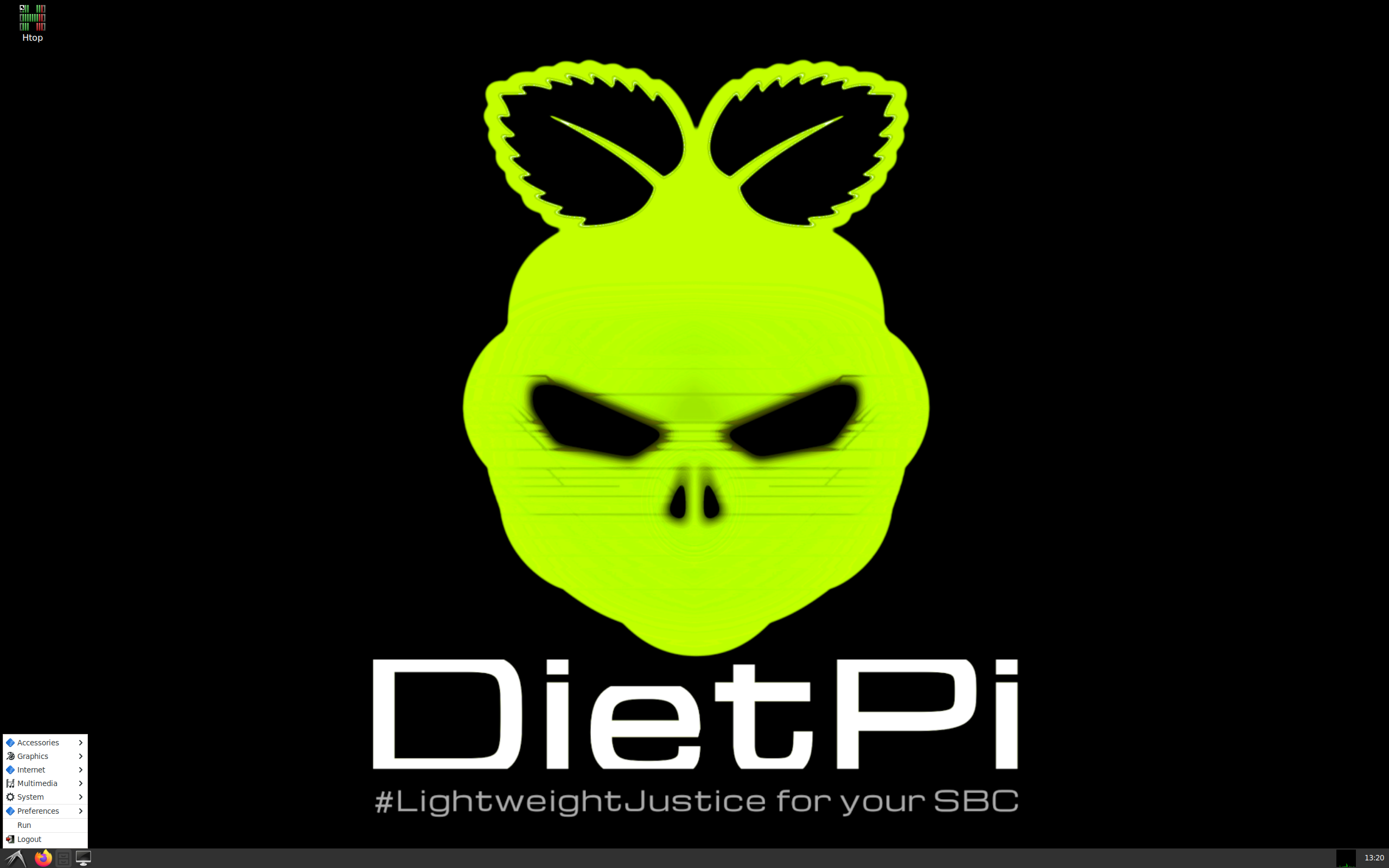
DietPi takes Debian and strips it down hard, then wraps it in a simple menu-driven setup tool that installs and configures dozens of common services (Pi-hole, Home Assistant, Plex, Nextcloud, and plenty more) in a few keystrokes. If you want a home server without fighting configuration files, this is one of the fastest paths there.
- Supports Raspberry Pi, Odroid, and a range of other SBCs, plus generic x86 hardware too
- The dietpi-software menu handles installing and configuring common self-hosted apps for you
- Extremely low base resource usage, lighter even than a stock Raspberry Pi OS Lite install
- Built-in tools for backups, benchmarking, and automated updates
Pros: genuinely fast to get a useful home server running, a light resource footprint, and actively maintained with quick turnarounds on new Debian versions.
Cons: a smaller community than Raspberry Pi OS or Ubuntu, so troubleshooting sometimes means digging through forums instead of finding an instant answer.
9. postmarketOS
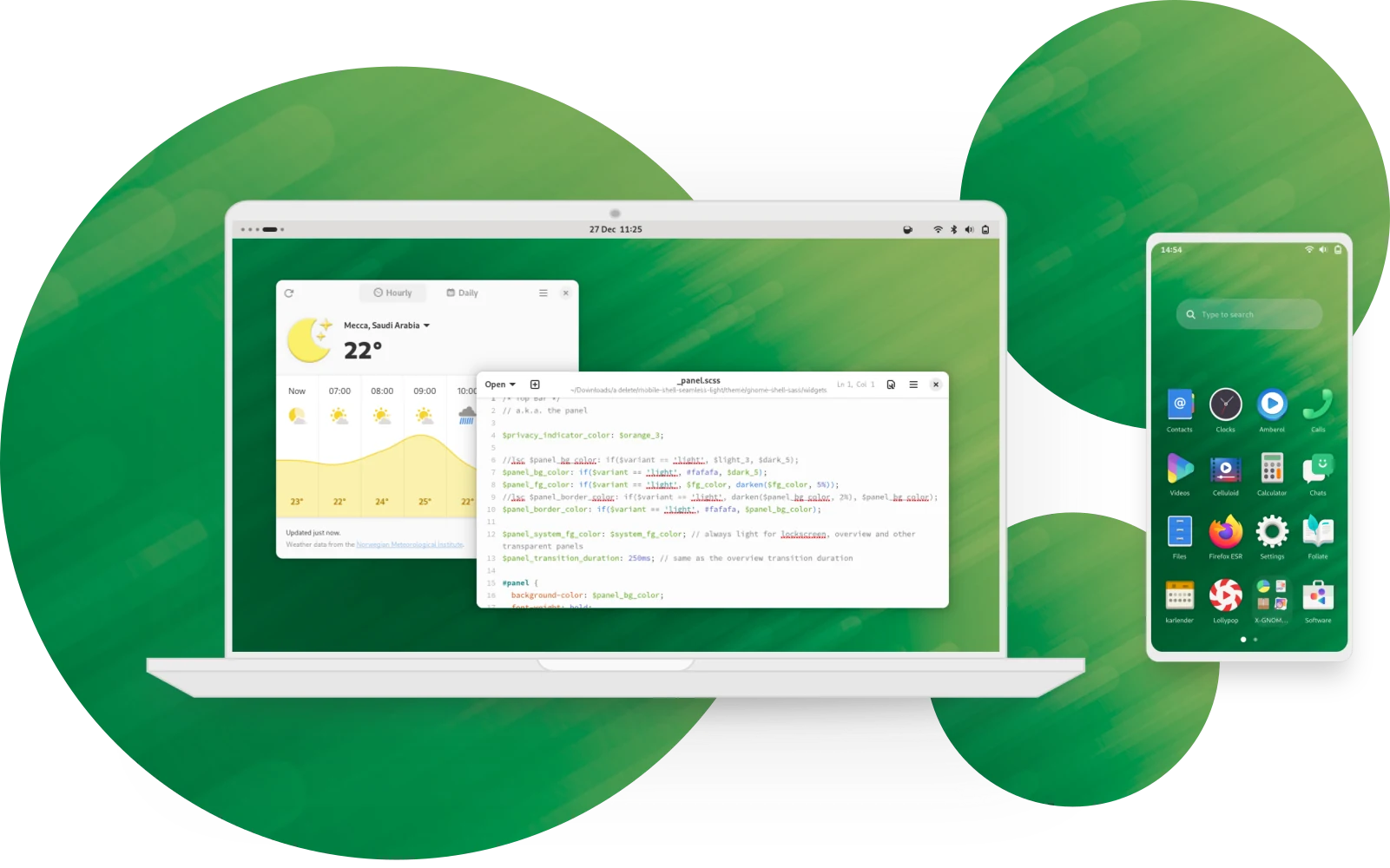
postmarketOS puts a real Linux distro on phones and tablets instead of Android, built on top of Alpine Linux. It’s the go-to choice for devices like the PinePhone, and it also supports a long list of old Android phones that would otherwise be stuck on unsupported, outdated firmware forever.
- Supports several hundred device models across varying tiers of completeness
- Ships with a choice of mobile-friendly interfaces, including Phosh and Plasma Mobile
- Extends the useful life of old phones well past their official Android support window
- Built on Alpine, so it inherits Alpine’s speed and minimal footprint
Pros: actually gives old hardware a second life, honest and transparent about what does and doesn’t work per device, and a real alternative to Android and iOS if you want one.
Cons: not every feature works on every phone (cameras and cellular modems are the usual weak points), and it suits people willing to tinker more than anyone expecting an iPhone-like experience out of the box.
A Couple of Honorable Mentions
If you want pure Arch instead of Manjaro’s friendlier layer on top, Arch Linux ARM is the base Manjaro ARM is built from, and it’s worth a look if you like configuring everything yourself by hand. openSUSE also publishes ARM builds of Tumbleweed and Leap, and its YaST configuration tool is worth a look if you’re already comfortable in the openSUSE ecosystem on x86.
Best ARM Computers for Linux You Can Actually Buy
One heads up before the list: 2026 has been a rough year for pricing on small ARM boards. A memory shortage driven by AI data center demand pushed DRAM prices up sharply, and Raspberry Pi’s own 16GB Pi 5 went from $120 at launch to well over $300 during the worst of it, across several rounds of price increases through the year. NVIDIA’s Jetson Orin Nano Super jumped from $249 to $399 in that same stretch. Prices are shifting month to month right now, so treat anything below as a snapshot, and check current pricing on Amazon or the manufacturer’s own store before you buy.
Raspberry Pi 5 and Raspberry Pi 500
The standard starting point for ARM Linux, widely available through Amazon, Micro Center, and the official Raspberry Pi store. The Pi 5 is a bare board (Broadcom BCM2712, quad-core Cortex-A76 at 2.4GHz) that you build a setup around yourself, while the Raspberry Pi 500 puts the same chip inside an all-in-one keyboard for a genuine desktop-in-a-keyboard experience. The Raspberry Pi 500+ goes further, adding native NVMe storage and 16GB of RAM if you want something closer to a real daily driver.
Radxa ROCK 5B
Built around the Rockchip RK3588, an octa-core chip (four Cortex-A76 performance cores plus four Cortex-A55 efficiency cores) paired with a Mali-G610 GPU and up to 32GB of RAM. It has considerably more raw horsepower than a Raspberry Pi 5 and costs around $100 for the 8GB configuration. Available through Radxa’s own store, Amazon, and a handful of specialty electronics retailers. A solid pick if you want a general purpose ARM desktop or a home server that can also handle some light video transcoding.
Orange Pi 5 Plus
Another RK3588 board, and a direct Raspberry Pi 5 alternative with dual 2.5 gigabit Ethernet, NVMe support, and up to 32GB of RAM depending on configuration. You’ll find it on Amazon and AliExpress. Orange Pi’s own OS works fine, but most people running Linux on this board reach for Armbian or Ubuntu instead for better long-term driver support.
Visit the Orange Pi store on Amazon.
NVIDIA Jetson Orin Nano Super
Not a general desktop board. This is an edge AI and robotics computer, pairing six Cortex-A78AE CPU cores with an NVIDIA GPU rated at up to 67 TOPS of AI performance (TOPS being a measure of AI inference speed). It runs JetPack, a Ubuntu based image built for the platform. It’s sold through NVIDIA’s distributor network, Amazon, and Micro Center. If you’re doing computer vision, robotics, or local AI inference projects, this is the ARM board built for exactly that.
Apple Silicon Macs
Apple’s M-series chips (M1 through M4) are some of the fastest ARM chips that exist, and thanks to the Asahi Linux project, you can run real Linux on them instead of macOS. Fedora Asahi Remix is the most polished route in, with solid support for M1, M2, and M3 machines and active work underway on M4 support. It’s a legitimately good way to get serious ARM performance, especially if you pick up a used Mac at a reasonable price.
Snapdragon X Elite Windows Laptops
Qualcomm’s Snapdragon X chips brought genuinely competitive ARM performance to Windows laptops starting in 2024, but Linux support on them is honestly still rough. Ubuntu currently offers the best of a limited set of options, and even that varies by laptop model. At least one vendor, TUXEDO, dropped its plans to sell a Linux-focused Snapdragon X laptop after running into driver maturity issues. Worth watching over the next year or two. Not worth buying specifically to run Linux right now unless troubleshooting is part of the fun for you.
One more worth a mention even though you can’t buy it new anymore: the Pine64 Pinebook Pro, long the standard budget ARM Linux laptop, went out of production in early 2026 while Pine64 looks for a new chip to build a successor around. If you can track one down secondhand, it’s still a perfectly usable machine, and it’s well supported by Manjaro ARM, Armbian, and postmarketOS alike.
Which ARM Linux Distro Should You Pick?
- Own a Raspberry Pi and want the least friction? Raspberry Pi OS.
- Want the biggest software library and the best documentation? Ubuntu.
- Building a server you want to basically never think about again? Debian.
- Running Linux on an Apple Silicon Mac? Fedora Asahi Remix.
- Want current packages and don’t mind the occasional rolling-release hiccup? Manjaro ARM.
- Using an Orange Pi, Odroid, or other non-Raspberry Pi board? Armbian.
- Running containers or need something as small as possible? Alpine Linux.
- Want a self-hosted home server with minimal setup work? DietPi.
- Trying to revive an old phone or tablet? postmarketOS.
Frequently Asked Questions
What does ARM stand for?
ARM originally stood for Acorn RISC Machine, named after Acorn Computers, the company that built the first one in 1985. After Arm Holdings was spun out as its own company, it became Advanced RISC Machine. Most people just say “Arm” or “ARM” today without spelling it out.
Can I install any Linux distro on any ARM device?
No, and this trips up a lot of people coming from x86. Your distro needs to publish a build for your specific ARM variant, usually arm64 or aarch64, and your specific board often needs its own kernel support, bootloader configuration, and device tree file. There’s no ARM equivalent to the UEFI standard that lets almost any x86 distro boot on almost any x86 PC.
Is ARM Linux slower than Linux on x86?
It depends entirely on which chip you’re comparing, not the architecture itself. A budget Raspberry Pi obviously won’t outrun a desktop Intel or AMD chip. But Apple Silicon and AWS Graviton chips now match or beat plenty of x86 chips on real workloads while using less power. Compare specific chips, not “ARM” versus “x86” as a blanket statement.
Can I run Windows or x86 Linux apps on an ARM Linux machine?
Not natively. You’ll need an emulation or translation layer like Box64 or FEX-Emu, and both come with a real performance cost since they’re translating x86 instructions on the fly. Your best move is checking whether the software you need already has a native ARM build first, since most major open source software does at this point.
Which Raspberry Pi should I buy for a Linux desktop?
The Raspberry Pi 5 with as much RAM as your budget allows, or the Raspberry Pi 500 if you want an all-in-one keyboard computer without assembling anything yourself. Just check current pricing before you buy. Memory costs have made Raspberry Pi pricing unusually volatile through 2026.
Does ARM support Docker and containers well?
Yes, very well. Docker and Podman both have mature arm64 support, and most popular container images publish multi-architecture builds that work on ARM without any extra steps. This is actually one of the big reasons cloud providers pushed so hard into ARM servers in the first place.
Can I run Linux on an Apple Silicon Mac?
Yes, through the Asahi Linux project. Fedora Asahi Remix is the most complete option, with solid support for M1, M2, and M3 Macs and ongoing work on M4 support. A few things, like certain codecs and external GPU setups, are still catching up, but for everyday use it’s a real option today.
Should I buy a Snapdragon X laptop to run Linux on it?
Not yet, unless you specifically enjoy troubleshooting driver issues. Linux support on Snapdragon X laptops is still immature, Ubuntu currently offers the best of a rough set of options, and even hardware vendors have pulled back on Linux-focused Snapdragon X products. Worth watching over the next year or two, not worth buying into today for most people.
ARM Linux has gone from a hobbyist curiosity to a serious, practical choice for servers, laptops, and everything in between. Pick a distro that actually supports your specific hardware, keep your expectations realistic about x86 software and driver gaps, and you’ll end up with a fast, quiet, efficient machine that has a lot more in common with a modern MacBook than the ARM boards of ten years ago.